
Analytics
The Analytics section provides comprehensive insights into school performance, helping you make data-driven decisions.
Accessing Analytics
- Click "Analytics" in the sidebar navigation
- View the analytics dashboard
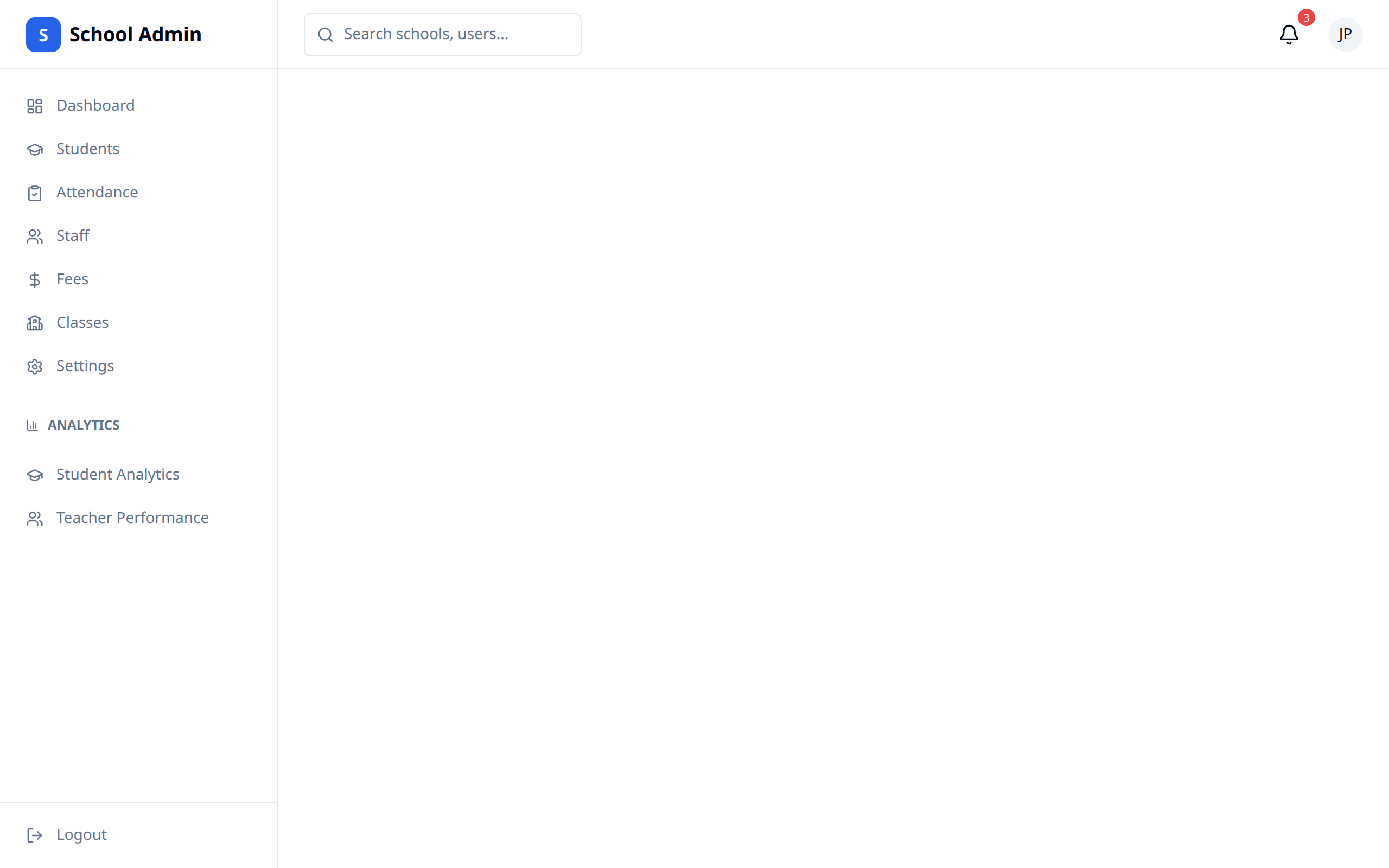
Analytics Overview
Dashboard
The main dashboard shows:
- Key performance indicators
- Trend charts
- Comparative data
- Alerts and highlights
Academic Analytics
School Performance
View academic metrics:
- Overall school average
- Grade distribution
- Pass/fail rates
- Subject-wise performance
Performance by Class
Compare classes:
- Class averages
- Top performing classes
- Classes needing attention
- Subject breakdown by class
Performance by Subject
Analyze subjects:
- Subject averages
- Difficult subjects
- High-performing subjects
- Teacher effectiveness
Student Performance
Individual insights:
- Top performers
- Struggling students
- Improvement trends
- At-risk students
Attendance Analytics
School-Wide Attendance
Overall attendance metrics:
- Average attendance rate
- Daily/weekly/monthly trends
- Comparison to targets
Attendance Patterns
Identify patterns:
- Day-of-week analysis
- Seasonal trends
- Class comparisons
- Problem areas
Student Attendance
Individual tracking:
- Students with low attendance
- Chronic absenteeism
- Improvement tracking
Financial Analytics
Fee Collection
Monitor finances:
- Collection rate trends
- Outstanding amounts
- Payment patterns
- Comparison to budget
Revenue Analysis
Track revenue:
- Monthly/termly revenue
- Fee category breakdown
- Year-over-year comparison
Enrollment Analytics
Student Numbers
Track enrollment:
- Total enrollment over time
- New admissions
- Withdrawals
- Retention rates
Demographics
Understand student body:
- Gender distribution
- Grade-level breakdown
- Geographic distribution
Staff Analytics
Staff Metrics
Monitor staff:
- Teacher-student ratios
- Staff attendance
- Class coverage
- Performance indicators
Generating Reports
Custom Reports
Create detailed reports:
- Click "Generate Report"
- Select metrics to include
- Choose date range
- Select format
- Generate and download
Scheduled Reports
Set up automatic reports:
- Weekly summaries
- Monthly performance
- Term-end reports
- Annual reviews
Report Formats
Available formats:
- PDF (for printing/sharing)
- Excel (for analysis)
- CSV (for data export)
Using Analytics
Decision Making
Use data to:
- Identify areas needing improvement
- Allocate resources effectively
- Plan interventions
- Set goals and targets
Benchmarking
Compare against:
- Previous periods
- School targets
- District/national standards
Action Planning
Turn insights into action:
- Identify issue from data
- Analyze root cause
- Plan intervention
- Implement changes
- Monitor results
Dashboard Customization
Widgets
Add or remove dashboard widgets:
- Choose relevant metrics
- Arrange for your workflow
- Save preferences
Filters
Apply filters:
- Date ranges
- Specific classes
- Subject areas
- Student groups
Best Practices
- Review regularly - Check analytics weekly
- Focus on trends - Look beyond single data points
- Take action - Use insights to drive improvement
- Share findings - Communicate with stakeholders
- Set targets - Use data to establish goals
- Track interventions - Measure impact of changes
TIP
Use analytics during staff meetings to discuss performance and plan improvements based on data.