
Learning Path
The Learning Path feature provides a structured curriculum tailored to your grade level and subjects, guiding you through your educational journey.
Accessing Learning Path
- Click "Learning Path" in the sidebar navigation
- Your personalized learning paths will be displayed
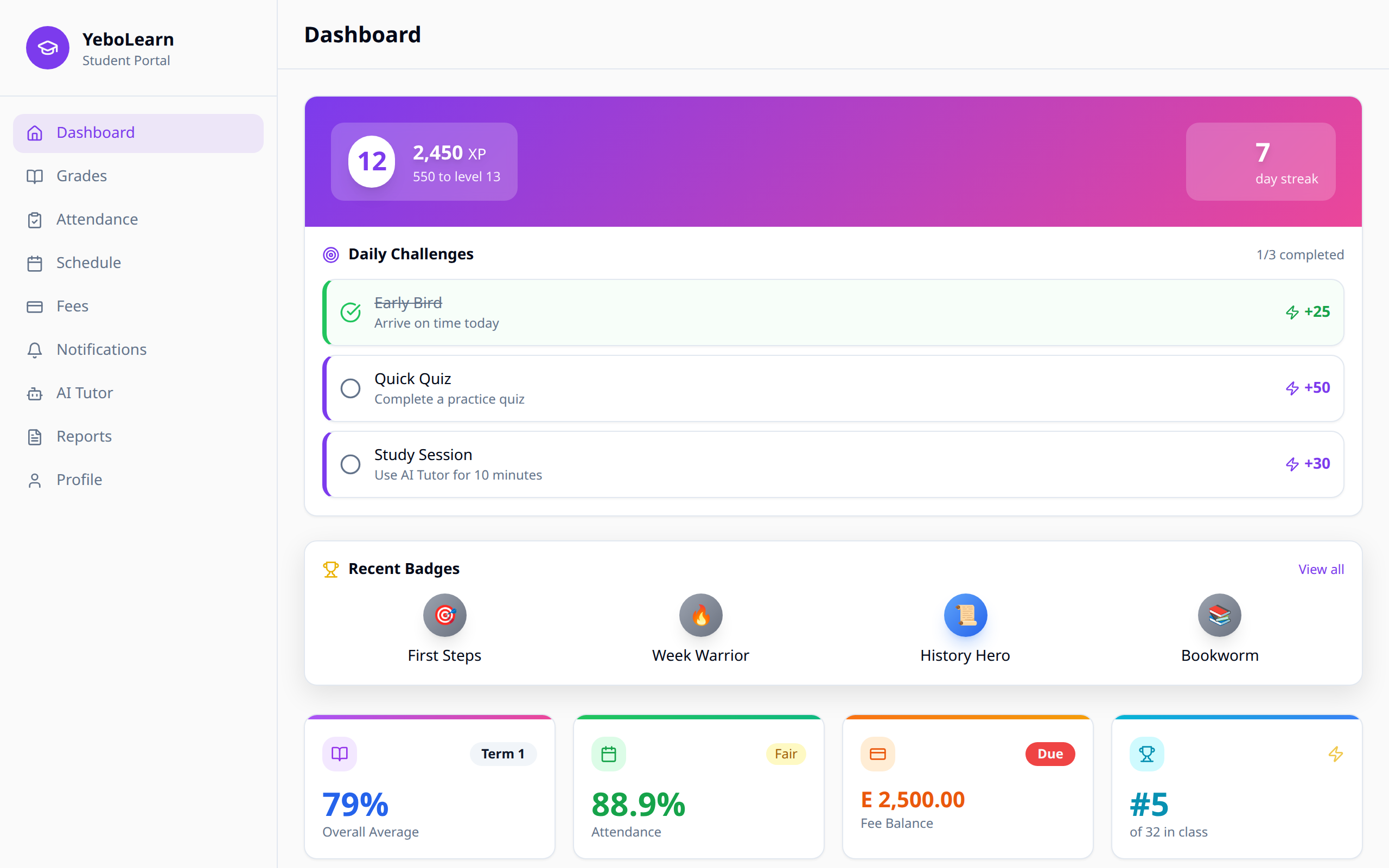
Overview
Learning Paths help you:
- Stay on track - Follow a structured curriculum
- Track progress - See how far you've come
- Identify gaps - Find topics that need attention
- Set goals - Work toward specific milestones
Understanding Learning Paths
Path Structure
Each learning path consists of:
| Component | Description |
|---|---|
| Modules | Major topic areas |
| Units | Sub-topics within modules |
| Lessons | Individual learning content |
| Activities | Practice exercises and assessments |
Progress Indicators
- Completed - Green checkmark, fully done
- In Progress - Yellow, currently working on
- Locked - Gray, prerequisites not met
- Not Started - Available but not begun
Navigating Your Path
Viewing Modules
- Select a subject from your learning paths
- Browse available modules
- Click a module to see its contents
Starting a Lesson
- Find an available lesson (not locked)
- Click "Start" or "Continue"
- Work through the content
- Complete any activities
- Move to the next lesson
Prerequisites
Some lessons require completing previous content:
- Locked lessons show required prerequisites
- Complete prerequisites to unlock new content
- Follow the recommended sequence for best results
Progress Tracking
Overall Progress
View your progress dashboard:
- Percentage complete for each path
- Estimated time to completion
- Recent activity
Detailed Progress
For each subject:
- Modules completed vs. total
- Lessons finished
- Activities passed
- Time spent learning
Achievements
Earn rewards as you progress:
- Module completion badges
- Subject mastery certificates
- Streak achievements for consistent learning
Learning Activities
Types of Activities
| Activity | Description |
|---|---|
| Reading | Text-based content |
| Video | Educational videos |
| Quiz | Knowledge checks |
| Exercise | Practice problems |
| Project | Hands-on assignments |
Completing Activities
- Open the activity
- Follow the instructions
- Submit your work or answers
- Receive feedback
- Move to the next activity
Tips for Success
Study Strategies
- Set a schedule - Dedicate regular time for learning
- Complete in order - Follow the recommended sequence
- Don't skip - Each lesson builds on previous ones
- Review - Revisit completed lessons as needed
- Practice - Complete all activities, not just readings
Staying Motivated
- Celebrate small wins
- Track your streaks
- Set weekly goals
- Share progress with parents/teachers
- Use badges as motivation
Using with AI Tutor
Combine Learning Path with AI Tutor:
- Start a lesson in Learning Path
- If you're stuck, open AI Tutor
- Ask about the specific topic
- Return to complete the lesson
TIP
The AI Tutor can provide additional explanations for any topic in your learning path.
Troubleshooting
Content Not Loading
- Check your internet connection
- Refresh the page
- Clear browser cache if needed
Progress Not Saving
- Ensure you complete activities fully
- Wait for the "Saved" confirmation
- Check your internet connection
- Contact support if issues persist
Locked Content
- Check prerequisites
- Complete required lessons first
- Contact teacher if incorrectly locked